Horse Racing Legends Controls for PC & Mobile
Sprint timing, movement, camera habits, and accessibility tips for Horse Racing Legends on Roblox.
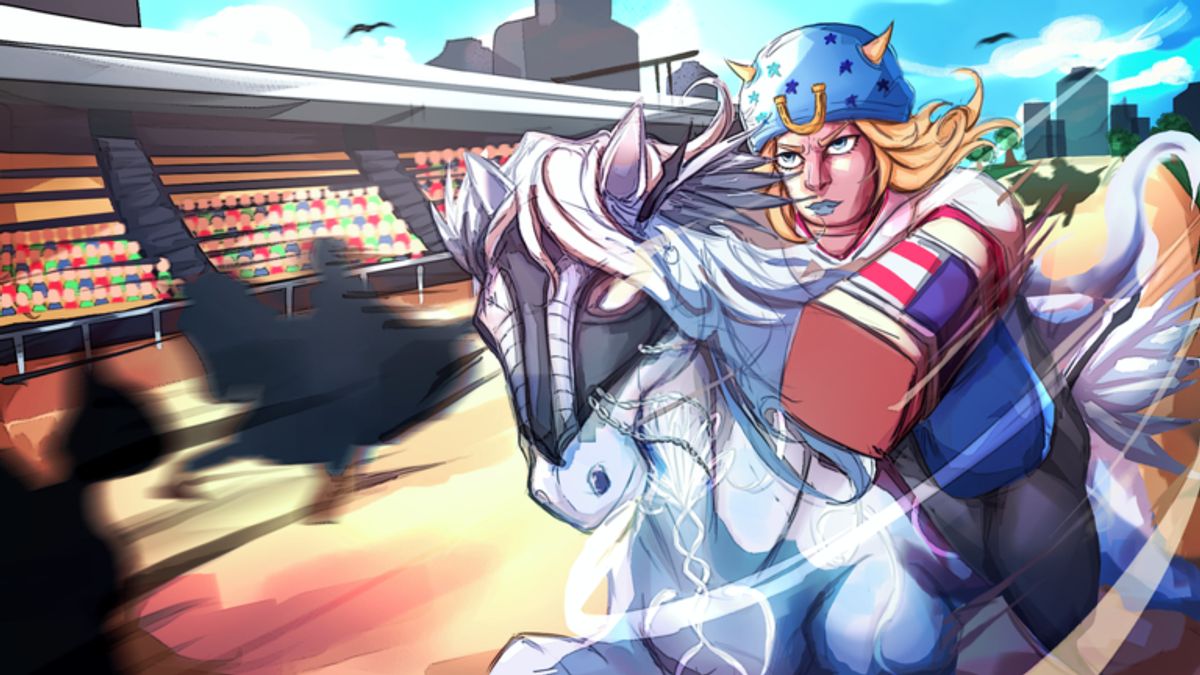
Controls are the fastest skill ceiling in Horse Racing Legends. L27’s Roblox beta combines forward movement, sprint bursts, draft positioning, and camera awareness into races that punish button mashing. This guide explains what PC and mobile players should expect, how to practice sprint timing honestly when official keybind lists are incomplete, and where to go next once inputs feel natural. Read best builds for stat synergy and the getting started guide for broader progression.
Horse Racing Legends is inspired by high-intensity racing fiction and Japanese turf presentation — Steel Ball Run-style momentum fantasy, Umamusume-like training ambition, and JRA broadcast flavor — but those influences do not change how Roblox reads your inputs. You still need clean movement on both keyboard and touch.
Roblox platform basics
Every Horse Racing Legends session runs inside Roblox, so platform conventions apply before game-specific quirks:
PC: WASD or arrow keys move most avatars and mounts unless overridden by in-game tutorials. Space often jumps in Roblox experiences; racing games sometimes remap jump to sprint or secondary actions. Watch tutorial prompts the first time you enter a race lobby.
Mobile: virtual joystick or tap-to-steer schemes appear depending on L27’s current mobile layout. Sprint or boost usually maps to a prominent on-screen button. Roblox mobile UI can shift after app updates; re-open settings if buttons feel misaligned.
Console / gamepad: if supported in beta, triggers and bumpers commonly map to sprint or camera. Confirm in-game before assuming Xbox or PlayStation defaults.
When this wiki lacks confirmed bindings, trust on-screen prompts and Settings → Controls inside Roblox or the experience’s own menu. We do not invent key labels here because misleading bind claims waste your first races.
Movement and lane positioning
Racing is not pure top-speed in a straight line. You move forward while adjusting lateral position to find draft behind other horses or hold inside lines on turns. Micro-adjustments beat violent swerves that bleed momentum.
PC movement habits: light taps instead of holding full lateral keys through corners. Beginners over-steer into walls or wide arcs that add distance.
Mobile movement habits: plan lane changes early; thumbs have less precision than keys. Avoid diagonal drags that cancel sprint inputs.
Pack awareness: check minimap or visual pack density if the UI provides it. Sitting mid-pack teaches draft feel before you lead every lap.
Link positioning practice to ability planning on the abilities tier list. Recovery abilities help only if you still have a reasonable line after corners.
Sprint timing — the core skill
Sprint (or boost) is the burst resource that defines Horse Racing Legends pacing. Sprint too early and you fade before the wire; sprint too late and you never catch the leader. Beta tuning may rename the button or add stamina bars, but the skill pattern stays constant.
General sprint rules that hold across Roblox racers:
- Short bursts beat holding sprint from start to finish unless a specific ability says otherwise.
- Corner exits are stronger sprint start points than corner entry — straighten first, then burst.
- Draft first, sprint second when chasing: sit in clean air, then burst when the leader’s line opens.
- Defensive sprint when leading is shorter — protect inside line rather than max-speed vanity.
Practice sprint cadence in low-stakes public races before spending spins on the coins and spins page. Input skill multiplies whatever stats you train.
Camera control and visibility
Camera choice affects whether you see corners, opponents, and upcoming choke points. Roblox defaults allow mouse drag on PC and finger drag on mobile to rotate view; scroll or pinch zooms distance.
PC camera tips: moderate zoom-out for pack awareness; too far reduces timing precision on sprint buttons. Lock a angle during the final straight so UI elements do not cover the finish.
Mobile camera tips: avoid constant camera spins while steering; assign one thumb primarily to movement and sprint. Pre-set camera before the race starts — adjusting mid-straight costs positions.
Accessibility: if motion or small UI targets strain your hands, increase Roblox UI scale in Roblox settings where available, use larger devices for mobile practice, or remapped peripherals on PC per Roblox documentation. Horse Racing Legends does not yet document official accessibility presets; community feedback to L27 may improve future menus.
PC versus mobile — honest expectations
| Topic | PC | Mobile |
|---|---|---|
| Input precision | Higher for lane micro-adjust | Lower; plan moves early |
| Sprint reliability | Keyboard or mouse buttons | On-screen; watch mis-taps |
| Camera control | Mouse drag, fast corrections | Finger drag; avoid mid-race overhaul |
| Performance | Depends on PC spec | Depends on device thermals |
Neither platform is automatically superior. Strong mobile players beat sloppy PC inputs daily in Roblox racing. Choose the device you will practice on consistently before investing heavily in training and spins.
Tutorial and in-game prompts
L27 may expand interactive tutorials during beta. Complete any race intro, sprint demo, or training yard prompts before skipping to ranked-style queues. Tutorials often teach the actual sprint button label for your device revision — more reliable than third-party bind charts.
If tutorials reset after patches, replay them once to catch new mechanics such as draft indicators or stamina UI changes noted on updates.
Practice drills without verified binds
Use these device-agnostic drills when official sheets are missing:
Drill 1 — stamina audit: run one lap without sprinting. Note where the game warns you about fatigue if UI exists. Mark that mental point for future bursts.
Drill 2 — late burst: stay mid-pack, sprint only in the final third of the race. Compare placement to your early-sprint races.
Drill 3 — lane hold: pick inside line entering a turn; minimize lateral input until exit. Repeat five times.
Drill 4 — camera freeze: choose camera angle pre-race and do not adjust for one full event. Notice whether timing improves.
Log results mentally or in notes; beta patches can change stamina curves overnight.
Common control mistakes
Holding sprint from the starting gate. Steering full lateral while sprinting. Changing camera during final straight photo finishes. Ignoring draft because sprint feels faster immediately. Switching PC/mobile every session before muscle memory forms.
Another mistake is chasing external automation instead of learning inputs — the scripts page documents that verified Horse Racing Legends-specific scripts were not found at time of writing, and unauthorized tools risk account penalties under Roblox terms.
After controls feel comfortable
Move to best builds to align stats with your sprint habits. Spend spins on abilities that reward your timing, ranked on the tier list. Claim codes for coin boosts that accelerate training. Customize appearance on the cosmetics hub once your race results stabilize.
Controls are the free multiplier in Horse Racing Legends beta. Master them before you blame RNG for every eighth-place finish.
Frequently Asked Questions
Quick answers to the most common questions.
Are official PC keybinds published for Horse Racing Legends?
L27 has not published a complete public keybind sheet at time of writing. Use in-game prompts on first launch, Roblox default movement keys, and on-screen mobile buttons as your source of truth until the developer confirms bindings.
How does sprint work on mobile?
Mobile typically uses on-screen buttons or tap-and-hold patterns common in Roblox racing titles. Watch for a dedicated sprint or boost button near the thumb zone and practice short bursts instead of holding continuously.
Can I change camera angle during races?
Roblox allows camera zoom and rotation on most devices. Find an angle that shows upcoming corners and nearby horses without blocking sprint inputs. Lock a comfortable view before competitive queues.
What should I practice first as a new player?
Finish five races focusing only on stamina management and sprint timing before worrying about abilities or cosmetics. Link training goals to the getting started guide afterward.